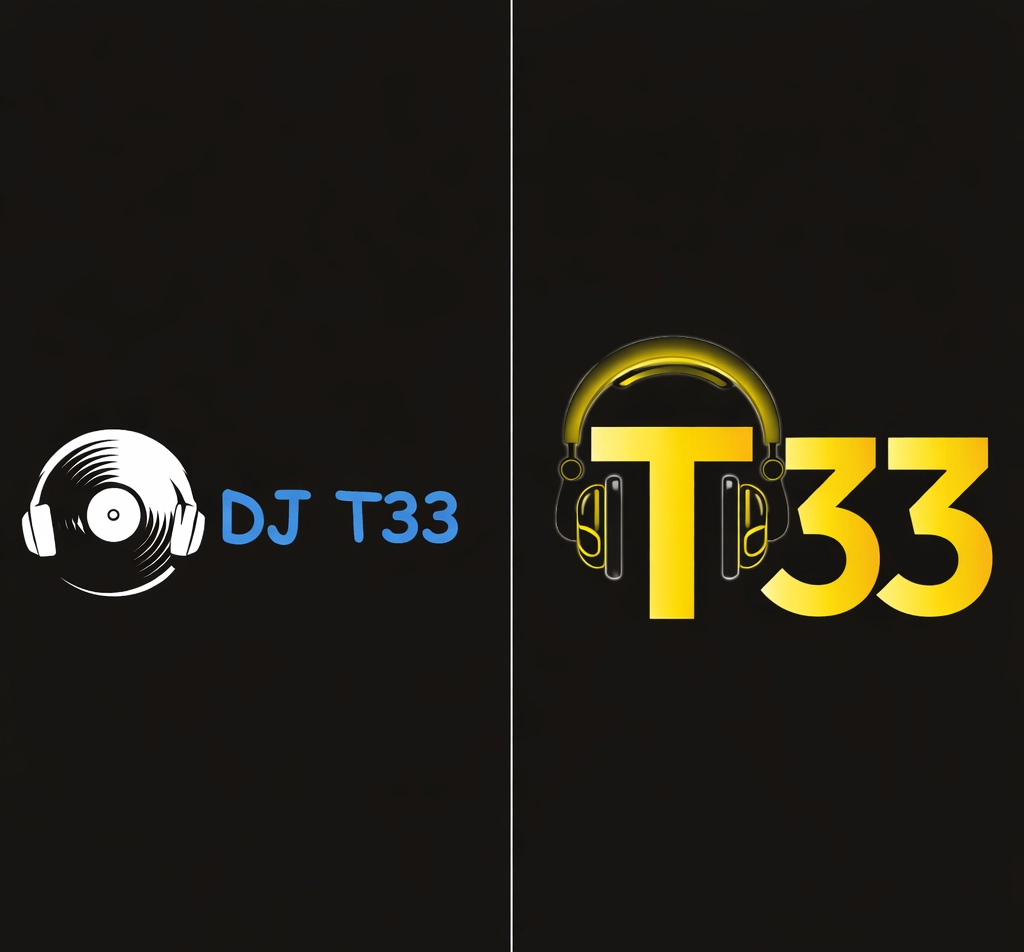

The Canva vs custom logo debate is one of the most common questions small business owners face. You’ve probably already had a go on Canva — dragged a font around, picked some colours, downloaded a PNG. It looks… fine. But is “fine” good enough for your brand?
Here’s the honest answer: sometimes you can tell the difference between a Canva logo and a custom logo straight away, and sometimes you really can’t — and knowing which is which could save you a lot of time and money down the line.
Whether you’re just starting out or you’ve been running your business for years, this guide breaks it all down in plain English. No jargon, no fluff — just the stuff you actually need to know.
Full Breakdown
What Is a Canva Logo — And Why Does It Look That Way?
Canva is a free online design tool that lets you build all sorts of graphics — social media posts, presentations, flyers, and yes, logos. It’s super popular, and for good reason. It’s easy to use, it’s mostly free, and you can get something done in about 20 minutes.
Here’s how it works: you pick a template, swap out the business name, maybe change a colour or two, and download it. Simple.
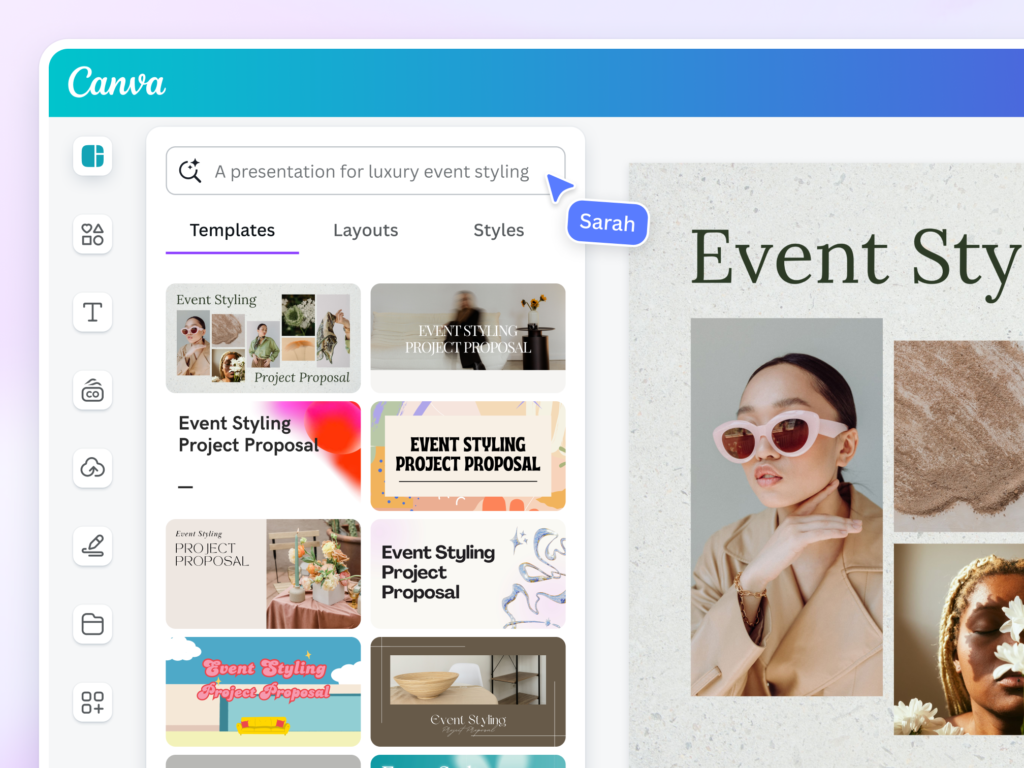
But there are some important limits to know about.
On the free plan, you can only download your logo as a PNG or JPG. These are fine for your website or Instagram, but they’ll look blurry or pixelated if you ever try to print them big — think shop signs, vehicle wraps, or banners. To get an SVG file (which scales without losing quality), you need to pay for Canva Pro, which costs around £10 a month.
You also can’t do things like draw custom shapes, adjust letter spacing precisely, or create your own icons from scratch. You’re always working with what’s already there in the library.
And that’s kind of the whole problem.
What Does a Custom Logo Give You That Canva Can’t?
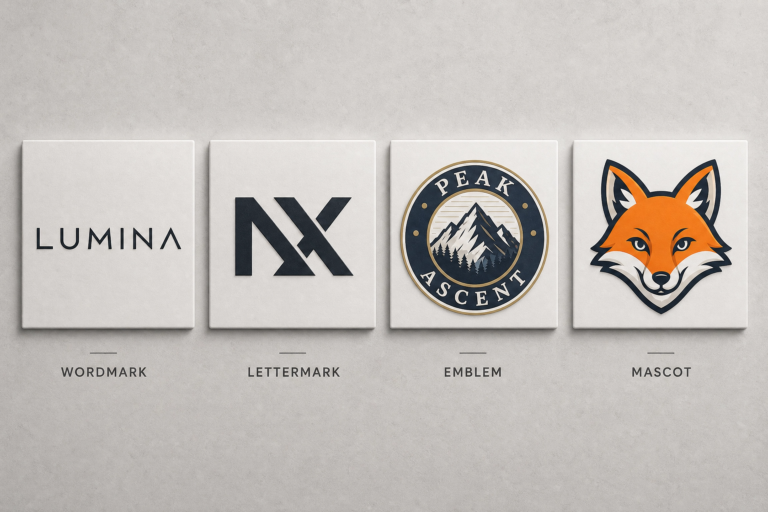
A custom logo isn’t just a logo that looks a bit different — it’s a logo that’s been built around your business specifically. That’s the core of the Canva vs custom logo question: one is adapted from someone else’s starting point, the other is created just for you.
When you work with a professional designer, the process usually goes something like this:
- Discovery — the designer asks about your business, your audience, what you stand for, and who your competitors are.
- Concept — they sketch and develop ideas based on what they’ve learned. Not just “what looks nice,” but what will actually work for your brand.
- Refinement — you give feedback, they tweak it until it’s right.
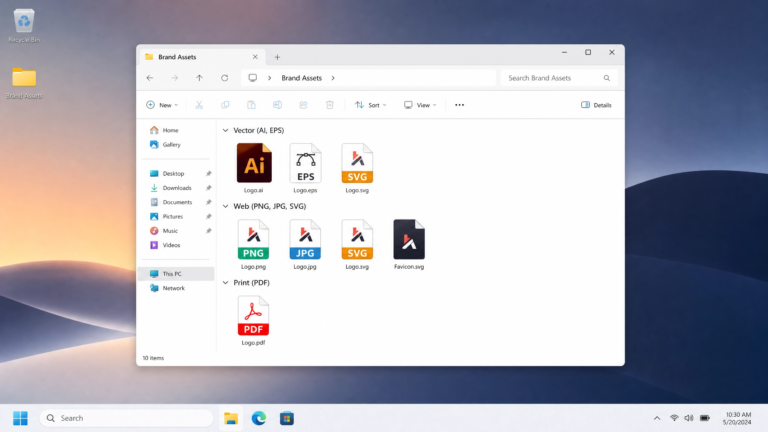
- Delivery — you get a full set of files: vector formats (AI, EPS, SVG), PNGs in different sizes, transparent backgrounds, favicon versions, and sometimes brand guidelines showing how to use everything correctly.
This is a very different thing to downloading a PNG from Canva. It’s a strategic piece of brand identity design — not just a pretty picture.
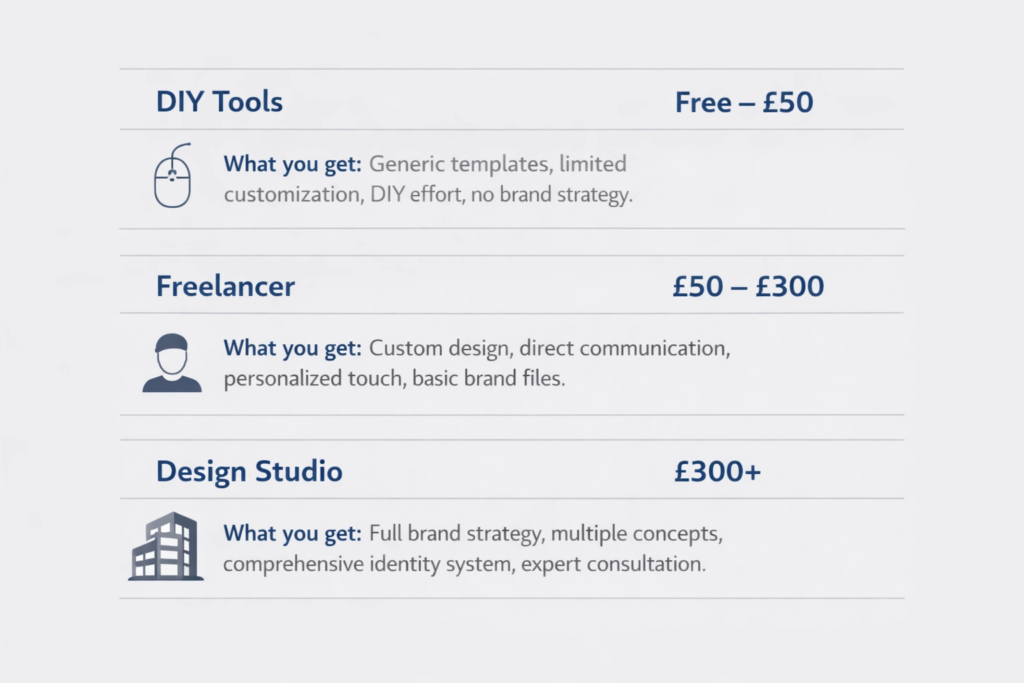
Price-wise, here’s a rough guide for the UK market:
- DIY tools (Canva, Looka, etc.): free to £50
- Freelance designer: £150–£600
- Design studio (like 36 Visuals): from £149 upwards, depending on what’s included
Canva vs Custom Logo: Can People Tell the Difference?
Here’s the honest bit. Sometimes, no — you genuinely can’t tell. A well-made Canva logo, shown small on a phone screen at Instagram-scroll speed, can look completely professional.
But put that same logo on a T-shirt. Or a shop front. Or a pitch deck in front of investors. Or next to a competitor who spent money on proper branding services. Now it starts to show.
There are a few specific moments where the Canva logo falls apart:
- At large sizes. A PNG file without vector backup becomes blurry and unprintable at scale. That’s a real problem when you need physical marketing materials.
- When someone’s seen it before. If a potential customer scrolled past the same icon on someone else’s website last week, something feels off. They can’t always say why — but the logo doesn’t feel yours. According to research from Harvard Business Review, logos that communicate a brand’s specific purpose and values build stronger consumer perception and recognition.
- In crowded markets. If you’re in a competitive industry — fitness, beauty, food, creative services — where your brand needs to shout, a generic template simply won’t cut it.
The truth is, a custom logo isn’t just about looking different. It’s about being strategically different.
The Hidden Problems With Choosing a Canva Logo Over a Custom Logo
This is the stuff most people don’t find out until it’s too late.
1. Trademark issues
Trying to trademark your logo? If it contains stock icons from Canva (or any template tool), you may run into trouble. These icons are non-exclusive — meaning thousands of other businesses could be using the exact same ones. The UK Intellectual Property Office looks for distinctiveness when assessing trademarks, and a template-based logo can struggle to pass that test. Worth checking out UKIPO guidance before you invest in merchandise or signage.
2. File ownership grey areas
Canva’s terms of service mean that certain elements — particularly premium assets — remain licensed through Canva, not fully owned by you. If Canva changes its pricing or goes away, you could have a problem.
3. No brand system
A logo file is not a brand identity. It’s one piece of it. A proper brand identity includes your colour palette, typography, visual rules, and guidelines for how everything works together across your website, social media, and printed materials. Canva doesn’t give you that.
4. You look like everyone else
Around 40% of small businesses now use template tools to create their logos. That’s a lot of similar-looking icons and fonts floating around in the same markets.
If you’re not sure whether your current brand identity is actually working for you, it might be worth taking our free Brand Quiz — it takes about two minutes and gives you a clear picture of where your brand stands.
When a Canva Logo Is Honestly Fine
Look — we’re not going to pretend Canva is useless. It’s not. Here’s when it genuinely makes sense:
- You’re in the very early stages of testing a business idea and you’re not sure it’ll stick yet
- You run a side project or hobby business with no plans to scale
- You need a quick placeholder while you save up for something better
- You’re creating internal documents or social content and you just need something clean
The key word there is placeholder. Canva is a starting point, not a destination — at least if you’re serious about building a recognisable brand.
When a Custom Logo Is Worth Every Penny Over Canva
Here’s how to know you’ve outgrown the DIY stage:
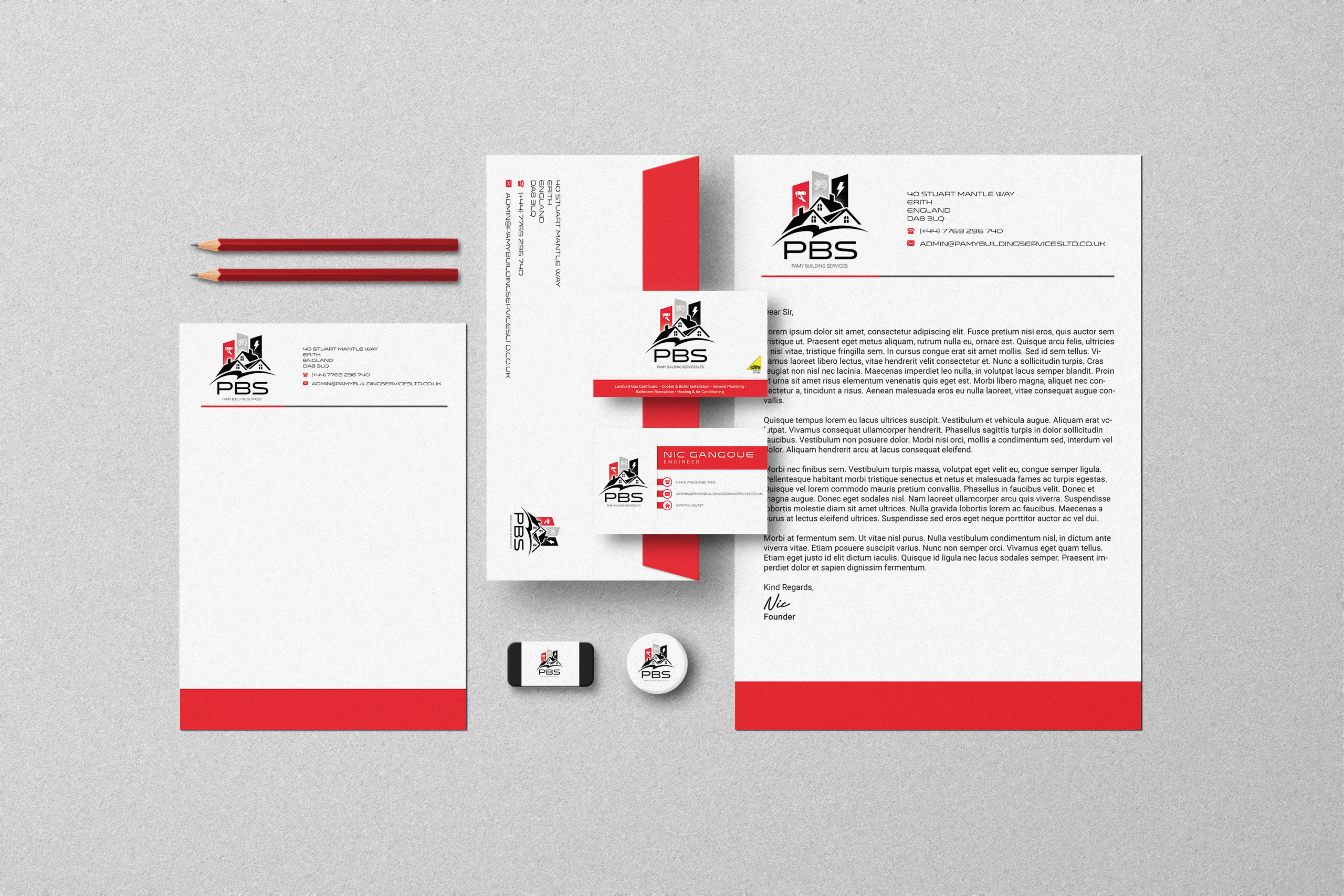
- You’re charging premium prices: Your logo is often the first thing a potential client sees. If your brand looks cheap, people will assume your services are too — even if they’re excellent.
- You operate in a competitive market. Research consistently shows that brands with consistent, distinctive visual identities outperform those without them. Companies with consistent branding see up to 23% more revenue than those without.
- You need physical materials. Merchandise, signage, packaging, vehicle wraps — all of these need vector files. Without them, you’re stuck.
- You want to trademark your brand. As mentioned above, custom-designed logos that don’t rely on shared stock elements are far easier to trademark.
- You’re rebranding. If your business has grown and your brand no longer reflects who you are, a proper rebrand — not just a new Canva template — is the right move.
How Much Does a Custom Logo Cost — And Is It Worth It?
Let’s be real about money, because it matters.
When you weigh up Canva vs custom logo costs properly — including the time you’ll spend, the files you’ll be missing, and the likely redesign down the road — the gap is smaller than most people expect. Many businesses that go the DIY route end up coming back for a redesign 12–18 months later. By then, they’ve printed business cards with the old logo, built a website around it, and have to change everything at once. That costs more in the long run.
A properly designed logo — with vector files, brand guidelines, and all the formats you’ll ever need — is something you should only have to do once (or once every few years if your business evolves).
So, Can You Really Tell the Difference?
Yes — eventually. And in business, eventually can mean lost clients, wasted print runs, and a rebrand when you least want one.
The Canva vs custom logo debate isn’t really about looks. It’s about whether your brand is built to last, built to scale, and built to be yours in every sense of the word.
If you’re still at the early-idea stage, Canva does the job. But if you’re ready to build something real — something that reflects the quality of what you offer — it’s time to go custom.
Frequently Asked Questions
Can I use a Canva logo professionally?
Yes — Canva’s free elements are cleared for commercial use. But be careful with premium assets, which require an active Pro subscription. Also keep in mind the trademark and exclusivity issues mentioned above.
Canva logo vs custom logo: which is better for a small business?
It depends on your stage. For very early-stage testing, yes. For a business that’s growing, wants to charge premium rates, or needs physical materials, it’s likely to hold you back.
Can you trademark a logo made on Canva?
Possibly, but it’s complicated. If your logo uses shared stock icons or fonts that are available to anyone, the Intellectual Property Office may reject it for not being distinctive enough. A bespoke custom logo is a much safer bet for trademark registration.
How long does it take to get a custom logo?
A good designer needs time to do it properly — usually two to four weeks from brief to final delivery. That includes research, concepts, feedback rounds, and file preparation. Beware of anyone promising a professional logo in 24 hours.
What files will I get with a custom logo?
You should receive: SVG, AI or EPS (vector formats for printing), PNG with transparent background in multiple sizes, and a favicon version. A good studio will also provide basic brand guidelines. Check what’s included before you book — our branding service page outlines exactly what comes in each package.