
Not sure why people visit your website but never get in touch or buy anything? Most of the time, it’s not your pricing. It’s not even your product. It’s trust — or the lack of it. These website trust building tips will help you figure out what’s putting people off and, more importantly, how to change it.
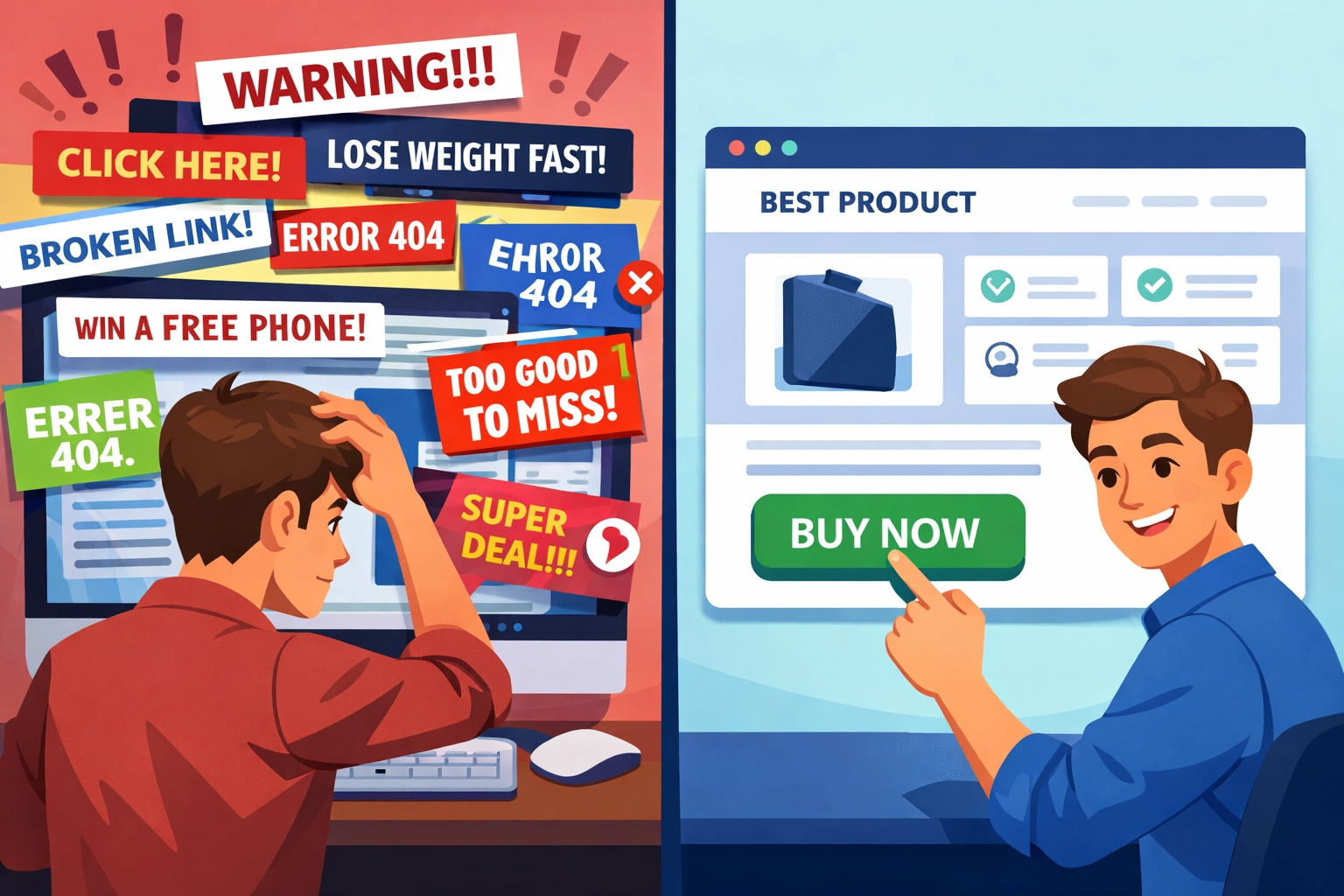
When someone lands on your website, their brain decides whether to trust you in less than three seconds. That’s before they’ve read a single word. If your site looks outdated, feels confusing, or gives off the wrong vibe — they’re gone.
The good news? Trust is something you can build on purpose. You don’t need a huge budget. You just need to know what signals people are looking for and make sure your site has them.
Here are eight simple, practical website trust building tips that actually work.
Quick Summary:
What Are Trust Signals and Why Do They Matter?
A trust signal is anything on your website that says “we’re real, we’re safe, and we know what we’re doing.” It could be a logo, a review, a padlock in your browser bar, or even just the way your page looks.
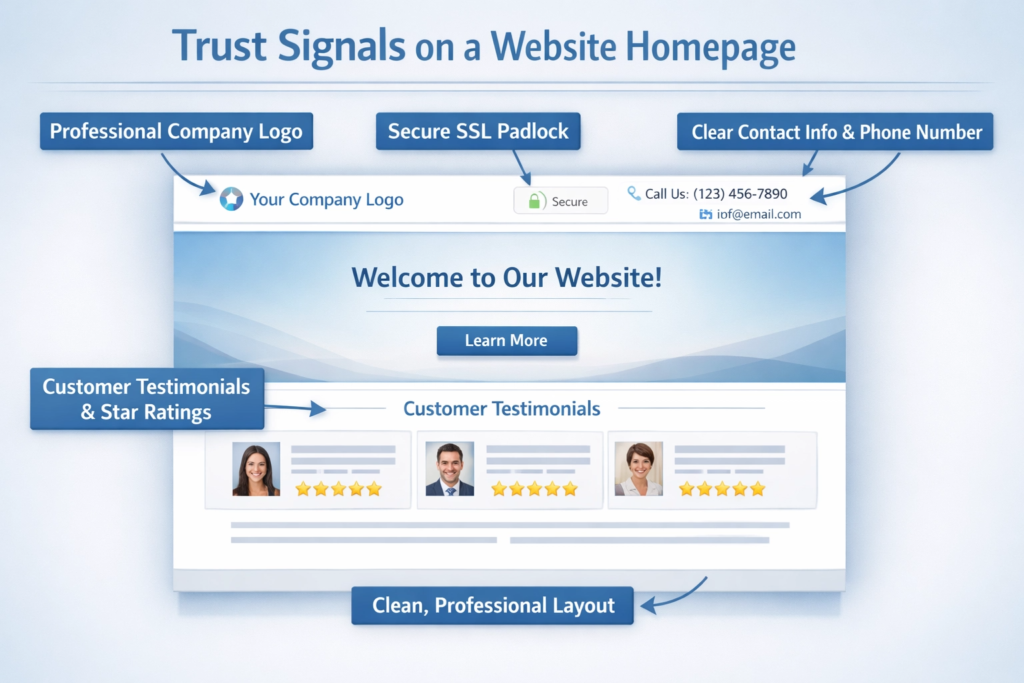
People aren’t always aware they’re doing it, but every time they land on a new website, they’re asking themselves: Can I trust this? Research from Stanford’s Web Credibility Project found that design is the number one thing people use to judge a website’s trustworthiness. That’s a big deal.
Trust affects whether someone reads your content, fills in your contact form, or hands over their card details. A great-looking website that lacks trust signals will still lose sales — and that’s what makes this worth paying attention to.
1. Website Trust Building Tips That Start With Professional Design
Before anything else, your website needs to look the part. 70% of people say they won’t buy from a company with a badly designed website, according to a One Poll study. That number alone tells you how much design matters.
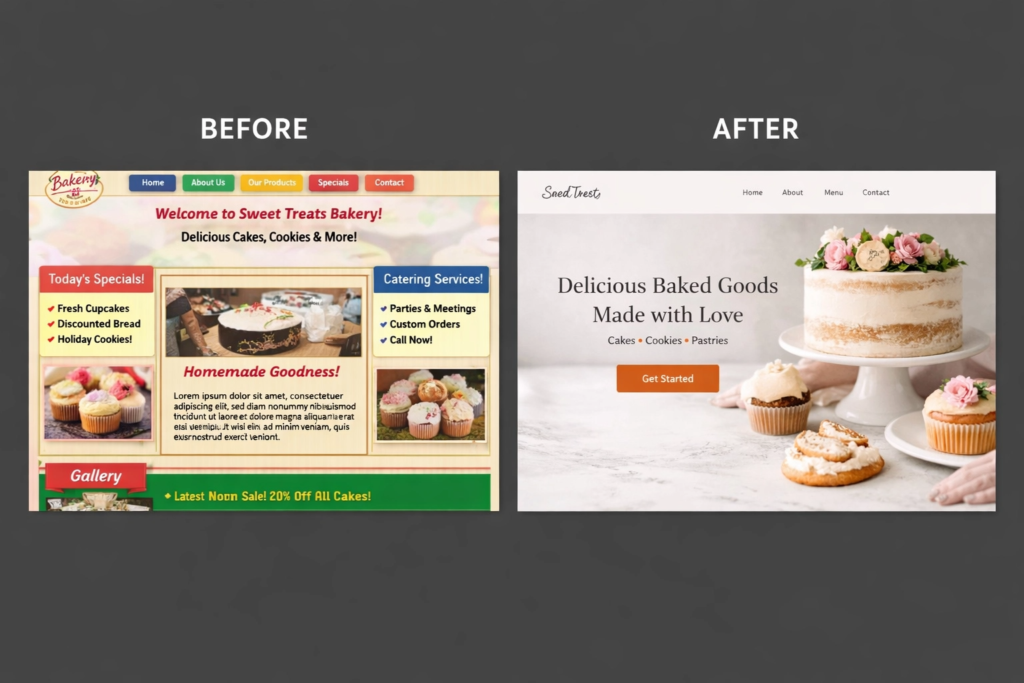
A professional website doesn’t mean flashy or over-the-top. It means clean, consistent, and easy to navigate. Here’s what that looks like in practice:
- Consistent fonts, colours, and spacing throughout every page
- A clear logo that matches your overall branding
- A mobile-friendly layout — over 60% of web traffic now comes from phones
- Navigation that makes sense at a glance
- No broken links, no blank pages, no outdated copyright dates in the footer
Think of your website like a shop front. If the windows are dirty and the signage looks worn, people walk past. A well-designed site sends a quiet but powerful message: this business is serious. The same way a good brand identity does the same job across every platform — your website should feel like the natural home of your brand.
2. Use Social Proof to Let Your Customers Do the Talking
One of the most powerful website trust building tips is also one of the simplest: show real proof that real people have worked with you and liked it.
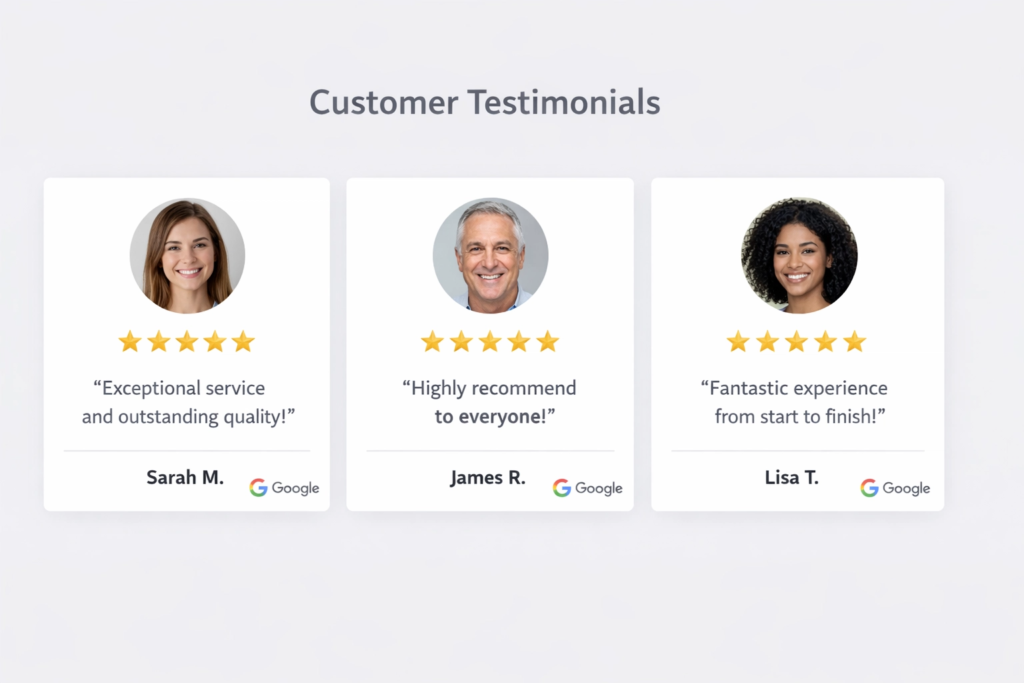
According to research by BrightLocal, 89% of people read reviews before making a purchase decision. If your website has no reviews, no case studies, and no testimonials, nearly nine out of ten potential customers are missing a key reason to trust you.
Here’s how to add strong social proof to your site:
- Google Reviews — Embed your Google rating on your homepage. Third-party reviews carry far more weight than anything you write about yourself.
- Testimonials — Short, specific quotes from real clients work brilliantly. Even better if they include a name and a photo.
- Case studies — Use the Problem → Action → Outcome format. What was the client struggling with? What did you do? What changed as a result?
- Logo walls — If you’ve worked with recognisable businesses or brands, show their logos. It communicates credibility without having to say a word.
The reason this works so well is that people trust other people more than they trust businesses. When a potential customer sees that someone else took the leap and was happy they did, it makes taking that same leap a whole lot easier.
3. Website Trust Building Tips for Adding Trust Badges and Security Signals
People are cautious about handing over personal information or payment details online — and rightly so. Trust badges exist to remove that worry.
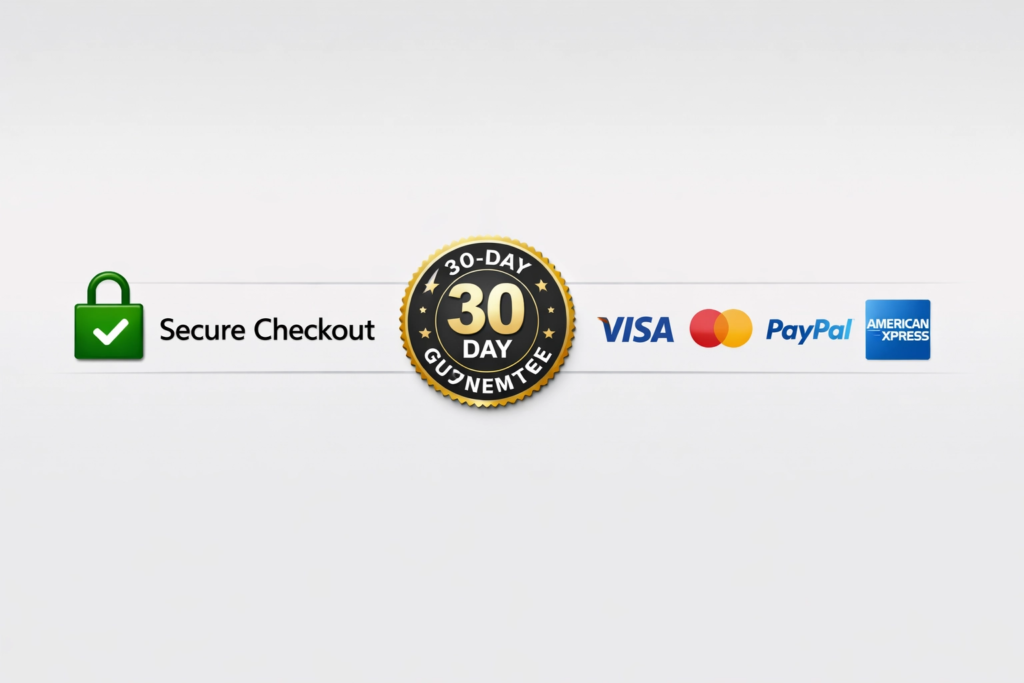
Here are the main trust badges worth having:
- SSL certificate (HTTPS) — That little padlock in the browser bar is non-negotiable. Google flags non-HTTPS sites as “not secure,” and visitors notice immediately. If you’re registering a new domain, providers like 123 Reg include SSL as standard with their hosting plans, which makes it easy to get set up securely from day one.
- Payment icons — Visa, Mastercard, PayPal, Stripe. Showing familiar payment logos near checkout reassures people that the process is safe.
- Industry certifications or memberships — If you’re part of a trade body or have earned an accreditation, display it somewhere visible.
- Money-back guarantees — If you offer one, make sure it’s easy to find. It removes the risk of buying from someone new.
One thing to be careful about: fake or unverifiable badges can do more damage than no badge at all. If you display a trust seal, make sure it links to a real verification page. A dead link raises more red flags than having nothing there.
4. Show the Real People Behind Your Brand
People trust people — not logos, not taglines, not carefully written mission statements. People.
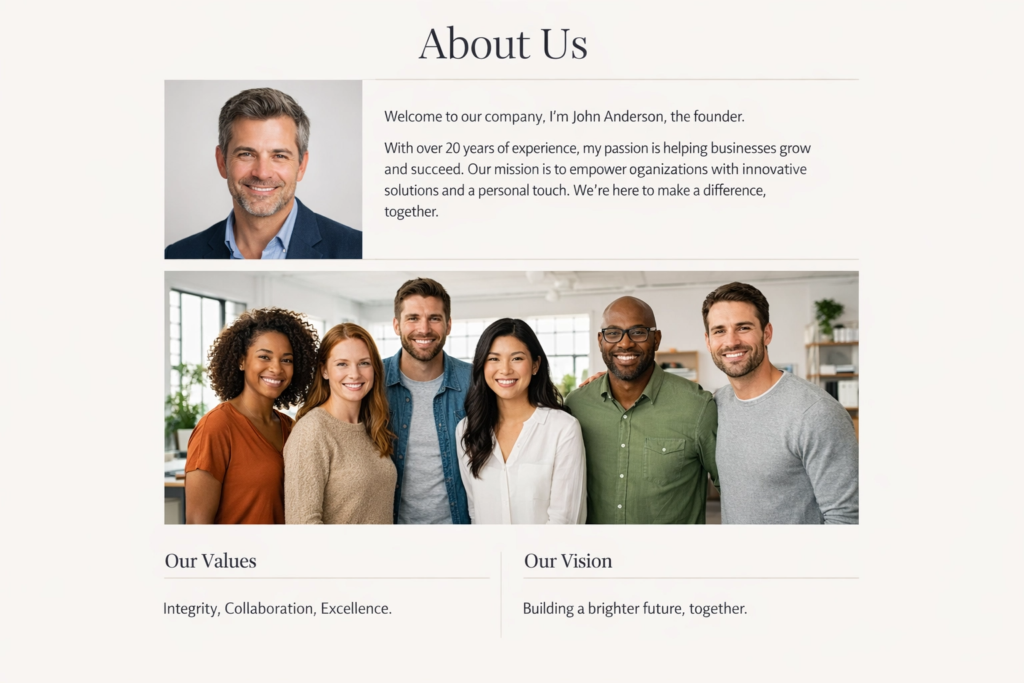
One of the most overlooked website trust building tips is putting real faces on your website. It sounds like a small thing. It really isn’t. Here’s what makes the biggest difference:
- Real team photos — Not stock images. Actual photos of you or your team. Even a well-lit phone photo beats a generic “business handshake” stock shot every single time.
- A genuine About page — Who are you? Why did you start this business? What do you care about? Visitors want to understand the story behind the brand before they commit to anything. You can see how we approach this on the 36 Visuals about page.
- Author bios on blog posts — Google’s E-E-A-T guidelines (Experience, Expertise, Authoritativeness, Trustworthiness) actively look for real people behind content. A short bio with a photo and relevant background makes your articles more credible to both readers and search engines.
This connects directly to how your wider brand comes across too. If your logo, your copy, and your photography all feel like they come from the same real, grounded place — that consistency quietly builds trust before anyone’s even read a word.
5. Website Trust Building Tips to Make It Easy for People to Contact You
Nothing says “I’m hiding something” quite like a website with no obvious way to make contact. Transparency is a trust signal in its own right, and it costs nothing to add.
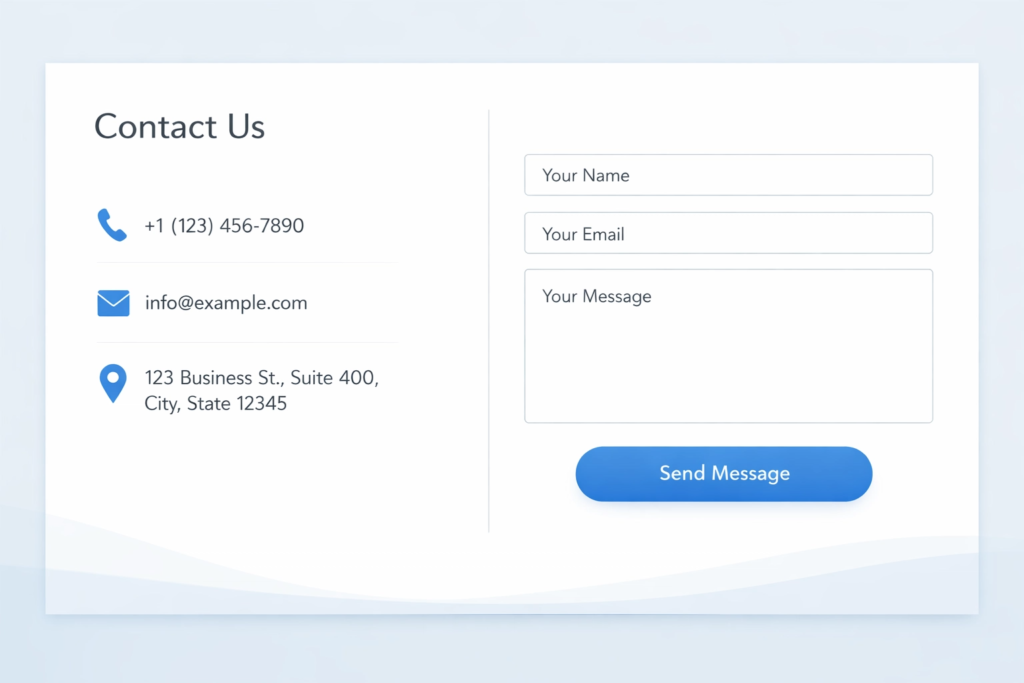
Make sure your website includes:
- A professional email address — yourname@yourbusiness.co.uk, not a Gmail or Hotmail address
- A phone number — even if you prefer email, showing a number tells people there’s a real human on the other side
- A physical address or service area — particularly important for local businesses, and it helps with local SEO as well
- A contact form that’s short, simple, and easy to find — you can see how we keep ours straightforward on the 36 Visuals contact page
- A privacy policy and cookie notice — required under UK GDPR, and visitors do notice when it’s missing
These details aren’t just about legal requirements. They’re about showing anyone who lands on your site: there’s a real business here, with real people, and you can find us if you need to.
6. Keep Your Site Fast and Technically Sound
A slow website doesn’t just frustrate people — it makes them question whether the business behind it is on top of things. Research shows that 47% of users expect a page to load in two seconds or less, and every extra second chips away at their confidence.
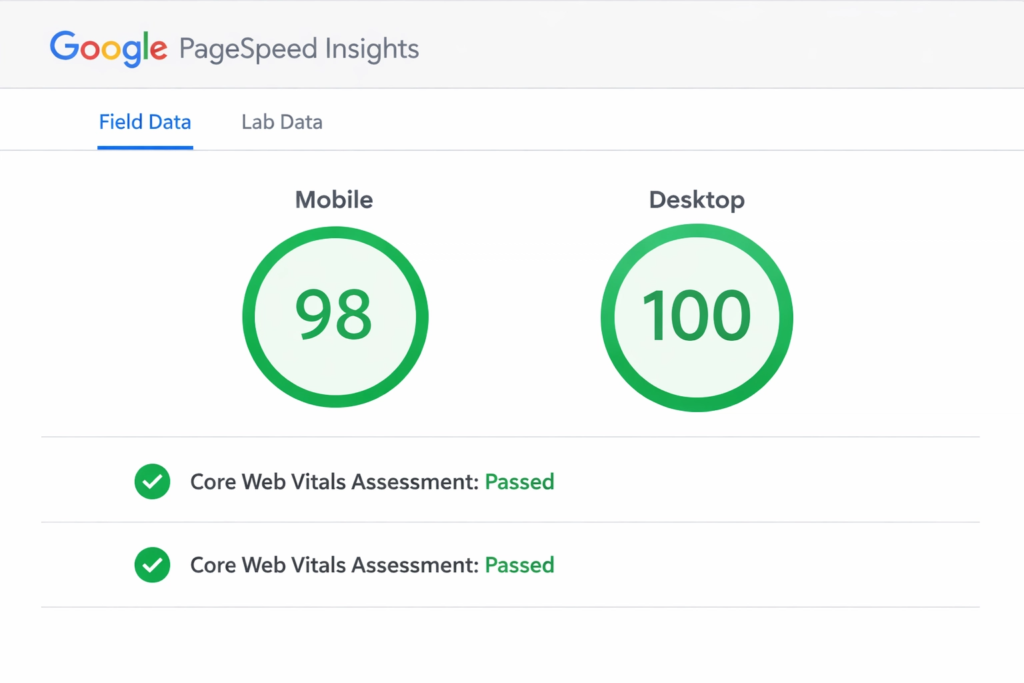
Slow load times are usually caused by a handful of common issues:
- Large images that haven’t been compressed
- Cheap or overcrowded hosting
- Too many third-party scripts or plugins running at once
- Code that hasn’t been updated or optimised in a while
A quick and free way to check where your site stands is Google PageSpeed Insights. It gives you a score and specific suggestions — no sign-up needed. If speed is an issue, it’s worth addressing sooner rather than later, because it affects both your visitor experience and your Google rankings.
Speaking of which — if your site isn’t showing up on Google, that’s a trust problem of a different kind. People tend to trust businesses they can actually find. Our beginner SEO checklist is a good starting point if you want to understand where to focus first, and our SEO services page covers how we approach it for clients.
7. Website Trust Building Tips for Consistent Branding Across Every Platform
Imagine visiting a website that looks completely different from the same company’s Instagram. Or receiving a business card that uses a different logo to the one on their homepage. That inconsistency — even when it’s subtle — creates doubt.
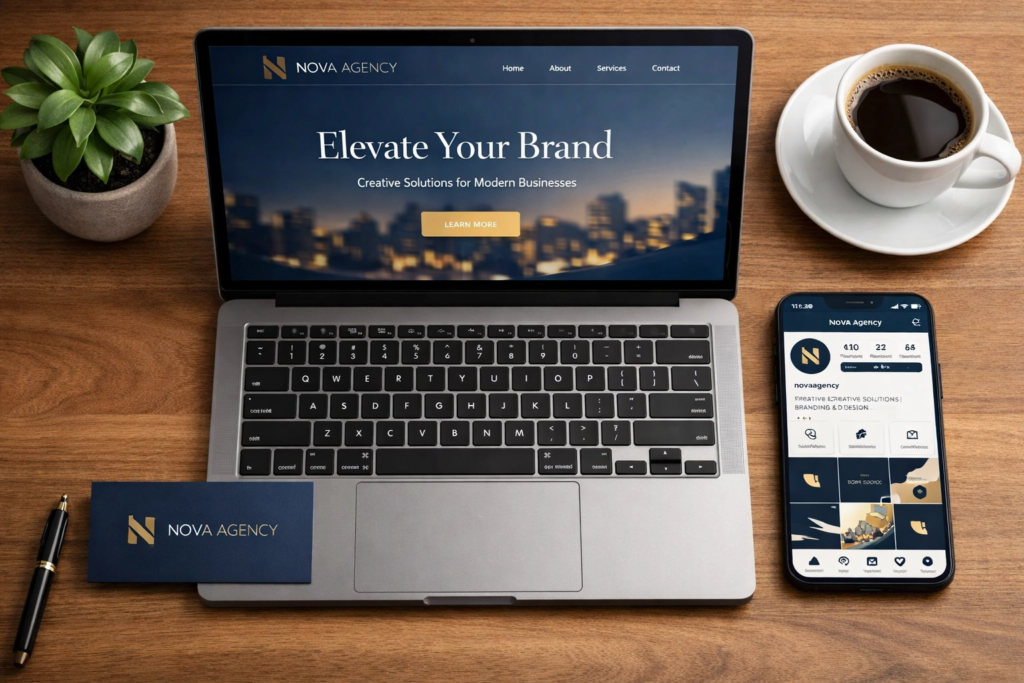
Consistent branding signals: we’re organised, we’ve thought this through, and we’ve been around long enough to have figured it out. It builds familiarity, and familiarity builds trust over time.
This means keeping the same:
- Logo and any logo variations
- Colour palette — not “similar” colours, the exact same ones
- Fonts and typography
- Tone of voice across written content
- Visual style in photography and graphics
We’ve written about this in detail in our article on consistent brand identity across social media, print and web — worth a read if you’re in the middle of building or refreshing your brand. And if you’ve ever wondered whether your branding is working as hard as it could be, the 36 Visuals portfolio shows what a cohesive brand looks like in practice, across different types of businesses.
8. Write Like a Human, Not a Marketing Brochure
The words on your website matter more than most people realise. Vague, buzzword-heavy copy actually erodes trust. Phrases like “industry-leading solutions” or “best-in-class service” tell visitors absolutely nothing — and worse, they sound like you’re hiding behind language because you don’t have anything real to say.
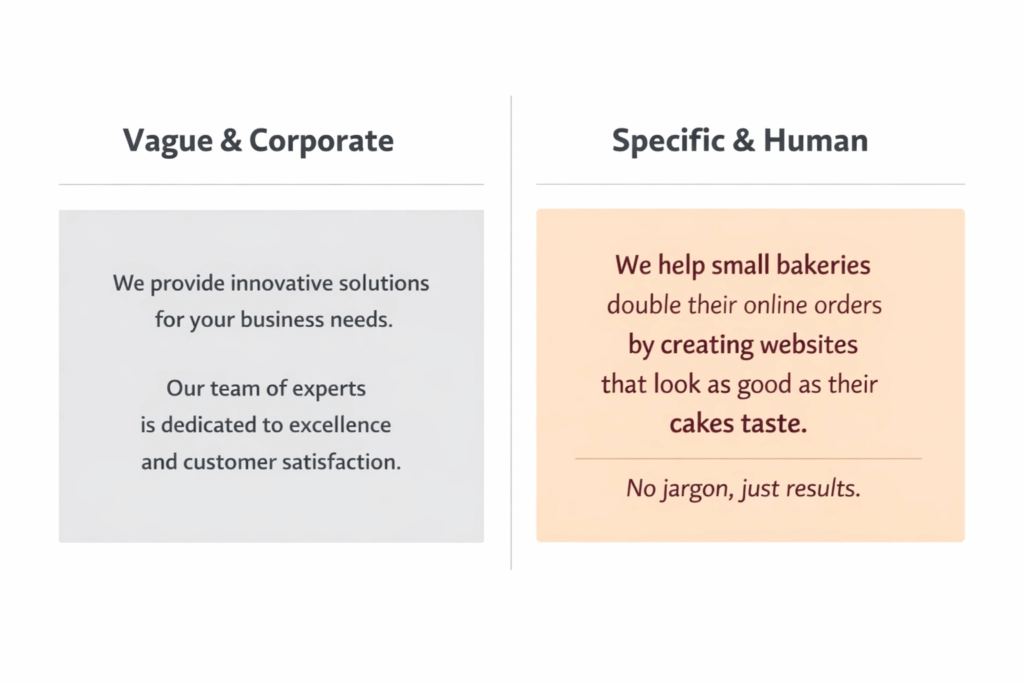
Instead, write like you’re talking to a real person. Be specific. Be honest. Here’s the difference:
❌ “We provide world-class digital solutions for growing businesses.”
✅ “We design websites for small UK businesses that want to look professional and get more customers — without the agency jargon or the agency price tag.”
The second one sounds like a real person and tells you exactly what you’re getting. That specificity is what builds trust.
A few things that help:
- Use “you” more than “we”
- Use real numbers, timelines, and outcomes where you can — they’re far more convincing than adjectives
- Avoid claims you can’t back up
- Let your personality come through — warmth goes a long way
If you want to audit how your website copy is currently performing alongside the rest of your site’s conversion factors, the Website Conversion Workbook walks you through the key areas page by page, so you can see clearly what’s working and what isn’t.
Website Trust Building Tips: A Quick Checklist
Here’s everything covered in this article in one place, so you can run through your own site and spot any gaps:
- Professional, consistent design across all pages
- Real customer reviews or testimonials visible on the homepage
- SSL certificate (HTTPS) active and showing in the browser
- Trust badges near checkout or enquiry forms
- Real team photos and a genuine, human About page
- Clear contact details: professional email, phone number, and address
- Privacy policy and cookie notice in place
- Pages load in under three seconds
- Branding matches across your website, social media, and printed materials
- Copy sounds specific, honest, and human
Final Website Trust Building Tips to Help You Increase Conversions
Trust isn’t something that happens all at once. It’s built up gradually through lots of small details — the way your site looks, the words you use, the proof you show, and how easy you make it for people to feel safe engaging with you.
Start with design and social proof. Those two things make the biggest immediate difference. Then work through the rest of the checklist as you go.
If you’d like a second opinion on your current site before making any changes, a free website audit is a good place to start — it gives you a clear picture of what’s working and what’s worth fixing before you invest time or money into anything new.