
Logo file formats confuse almost every business owner at some point. One minute you’ve got a shiny new logo. The next minute, someone asks for an SVG, EPS, or transparent PNG and you have absolutely no idea what they mean.
Unfortunately, many designers hand over random files without properly explaining them. As a result, businesses end up with blurry logos, printing issues, or poor-quality website graphics. Even worse, some companies only receive a JPG file, which is nowhere near enough for professional branding.
The good news is that logo file formats are actually quite simple once you understand what each one does. In this guide, you’ll learn which logo files you really need, what they’re used for, and how to avoid common branding mistakes.
Whether you’re creating a new business, refreshing your branding, or building a website, having the correct files matters more than most people realise.
What Are Logo File Formats?
Logo file formats are simply different ways your logo can be saved. However, each format has a different purpose.
Some file types work best online. Meanwhile, others are designed for professional printing. Certain files stay perfectly sharp at any size, while others become blurry when enlarged.
Because of this, professional businesses should always have multiple logo file formats ready to use.
Vector Logo File Formats vs Raster Logo File Formats
There are two main categories of logo files:
- Vector files
- Raster files
Understanding the difference is incredibly important.
Vector Logo File Formats
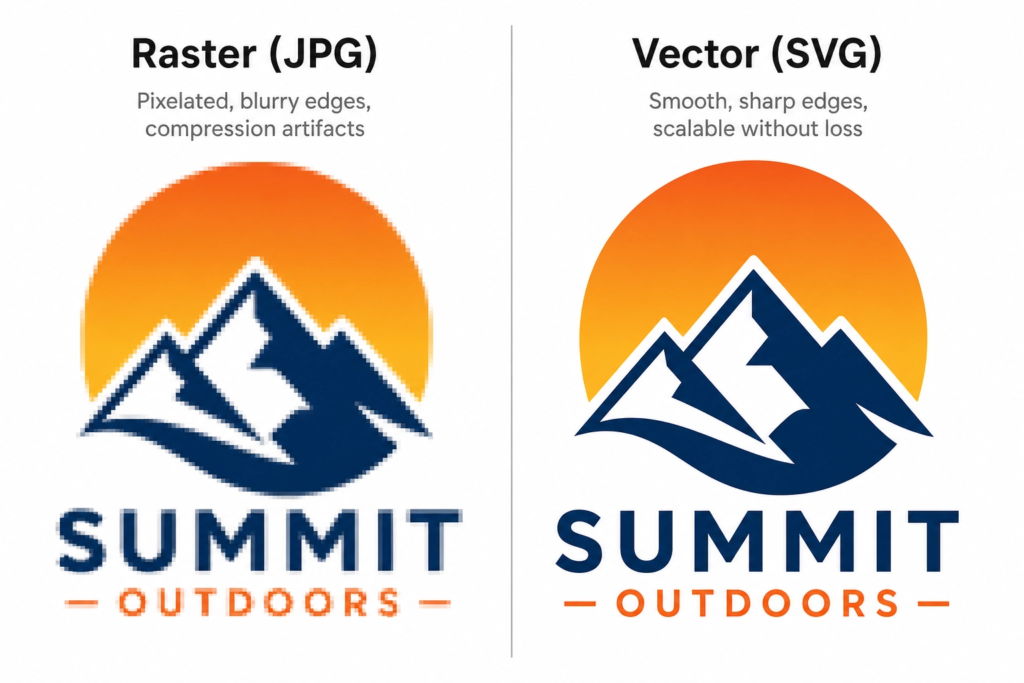
Vector files are made from mathematical paths instead of pixels. Therefore, they can scale infinitely without losing quality.
Common vector logo file formats include:
- SVG
- EPS
- AI
These files are essential for professional branding because they stay crisp no matter how large they become.
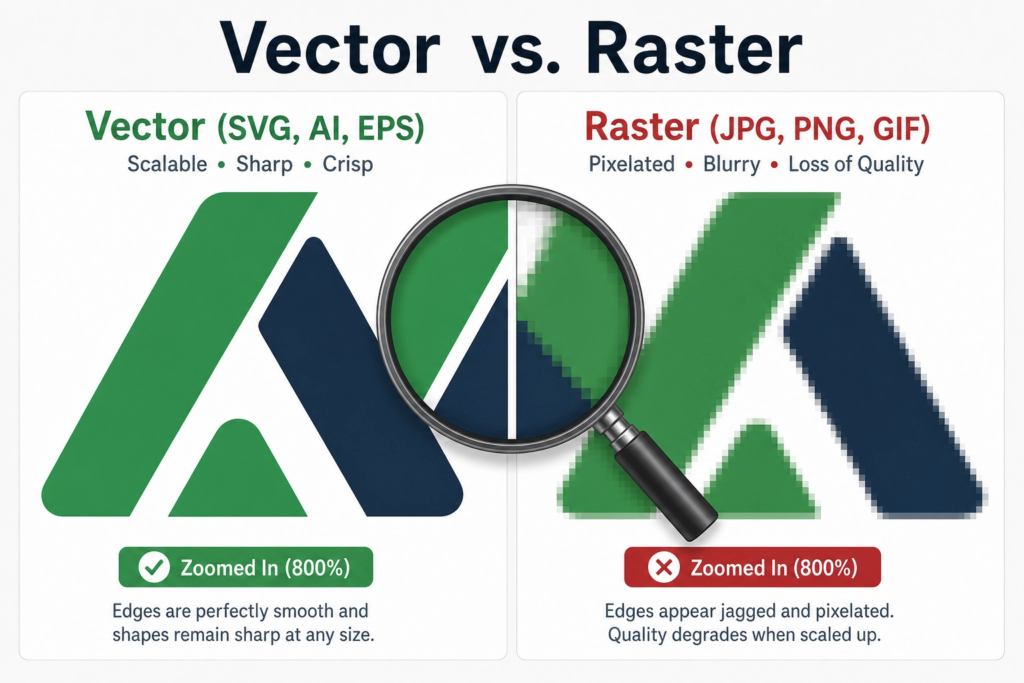
For example, if your logo appears on a billboard, van wrap, or shop sign, a vector file is normally used. According to Adobe Illustrator, vector graphics are ideal for logos because they resize without losing sharpness.
Raster Logo File Formats
Raster files are made from pixels. Consequently, they lose quality when stretched too large.
Common raster logo file formats include:
- PNG
- JPG
Although raster files are useful for digital use, they should never be the only logo files you receive.
SVG Logo File Formats: The Best Choice for Websites
SVG stands for Scalable Vector Graphics. Today, it’s one of the most important logo file formats for websites and digital branding.
Unlike JPG or PNG files, SVG logos stay perfectly sharp at every screen size. As a result, they work brilliantly on mobile devices, Retina displays, and responsive websites.
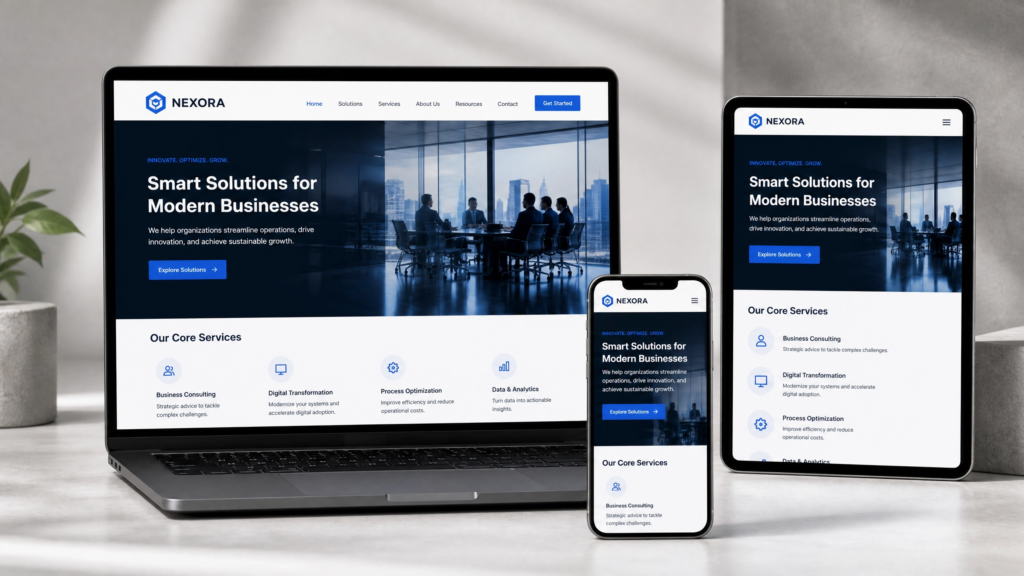
SVG files are ideal for:
- Website headers
- Mobile websites
- Navigation menus
- App icons
- Responsive design
Additionally, SVG files are usually smaller and faster to load. Faster websites often create better user experiences and can support SEO performance. For example, Google PageSpeed Insights regularly highlights image optimisation as part of website performance.
If your current logo looks blurry online, your business may be using the wrong file type. Therefore, upgrading your branding assets can make a huge difference.
Businesses investing in professional web design services or smart website services should always request SVG logo files as part of the project.
PNG Logo File Formats for Transparent Backgrounds
PNG files are among the most commonly used logo file formats for everyday business use.
Most importantly, PNG files support transparent backgrounds. Because of that, they work perfectly across websites, presentations, and social media graphics.
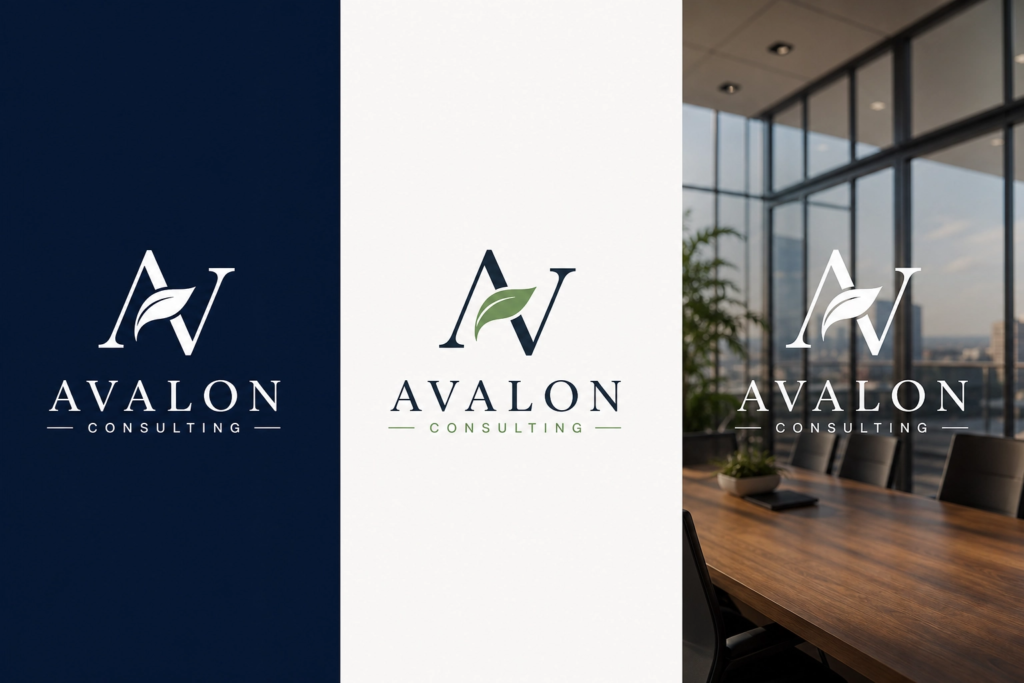
PNG logos are great for:
- Social media
- Email signatures
- Presentations
- Documents
- Website graphics
If your logo appears with a white box behind it, there’s a strong chance you’re using a JPG instead of a transparent PNG.
PNG vs JPG Logo File Formats
PNG files are usually better for logos because:
- They support transparency
- They maintain cleaner edges
- They preserve better quality
Meanwhile, JPG files work better for photographs rather than branding graphics.
Although PNGs are useful, they are still raster files. Therefore, they can become blurry if enlarged too much.
EPS Logo File Formats for Printing
EPS files remain one of the most important logo file formats for professional printing. Even in 2026, many printers still request EPS files for commercial work.
Because EPS files are vector-based, they can scale without losing quality.

EPS files are commonly used for:
- Shop signage
- Packaging
- Embroidery
- Vehicle wraps
- Merchandise
- Large banners
Without vector print files, logos can quickly become pixelated during production. Consequently, your branding may appear cheap or unprofessional.
That’s one reason why proper brand identity design services matter so much for growing businesses.
AI Logo File Formats: The Editable Master File
AI files are Adobe Illustrator project files. Essentially, they are the master version of your logo.
Designers use AI files to edit and export every other file type.
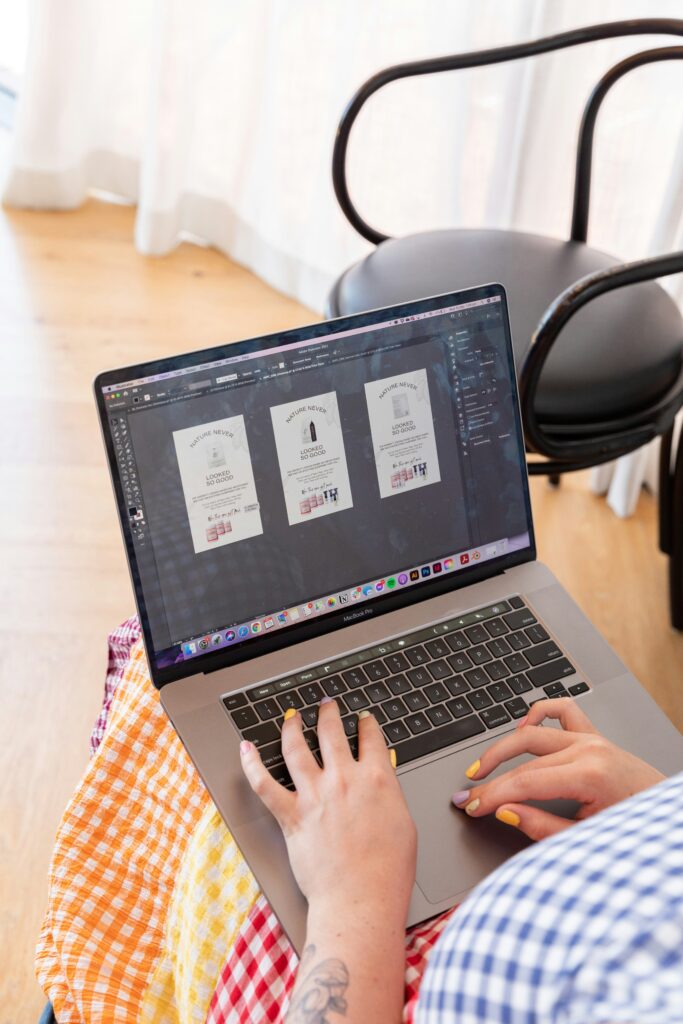
An AI logo file allows future designers to:
- Edit colours
- Resize elements
- Update typography
- Create new exports
- Build brand assets
Without the AI file, editing your logo later becomes much harder.
For example, if you:
- rebrand
- update colours
- redesign your website
- create packaging
…you may need the original editable file.
Therefore, professional logo design services should usually provide editable source files unless agreed otherwise.
PDF Logo File Formats for Sharing and Approvals
PDF files are extremely flexible formats because they work on almost every device.
In many cases, vector PDFs can still scale cleanly while remaining easy to share with printers, clients, and team members.
PDF files are useful for:
- Client approvals
- Brand guidelines
- Print previews
- Presentations
- Easy file sharing
According to Adobe Acrobat, PDFs remain one of the most trusted professional file formats worldwide.
JPG Logo File Formats: Why They’re Usually the Wrong Choice
JPG files are everywhere. However, they are rarely the best option for logos.
Unlike PNG files, JPGs do not support transparency. In addition, they lose quality through compression.
JPG logos are acceptable for:
- Basic previews
- Temporary use
- Quick sharing
However, they are poor choices for:
- Professional branding
- Printing
- Website logos
- Transparent graphics
If your designer only sent a JPG logo, your branding package is probably incomplete.
Comparing Logo File Formats: SVG vs PNG vs EPS
Choosing between logo file formats can feel confusing at first. Thankfully, there’s a simple way to think about it.
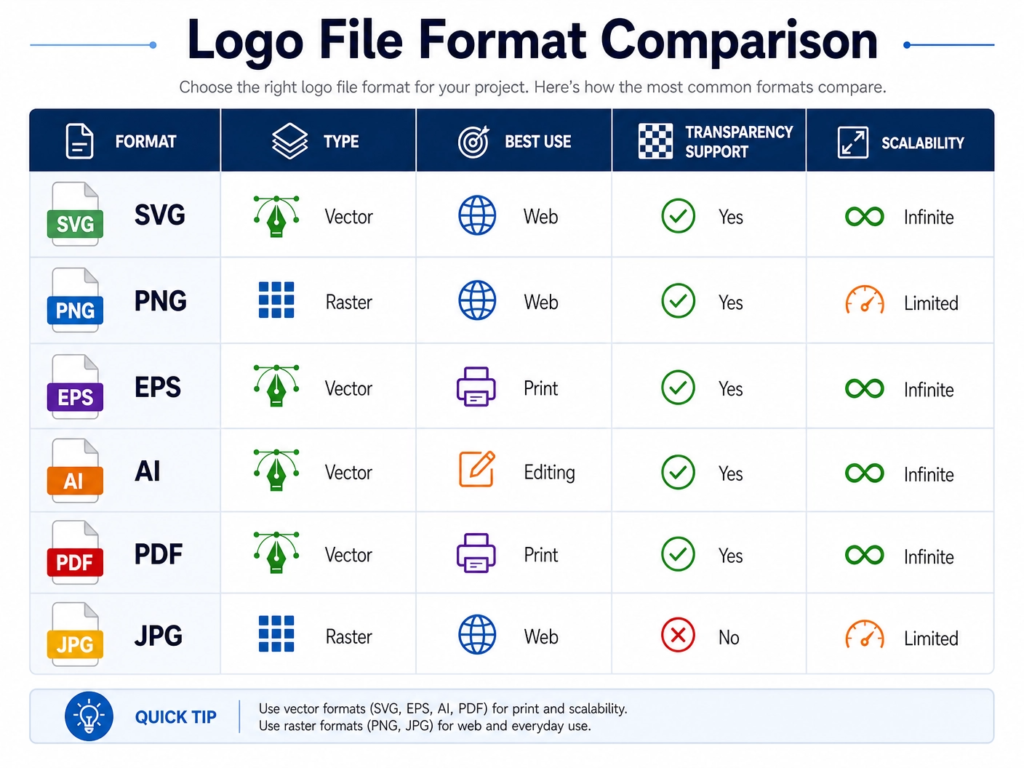
Which Logo File Format Should You Use?
Here’s a quick rule:
- Use SVG for websites
- Use PNG for social media
- Use EPS for print
- Use AI for editing
- Use PDF for sharing
Meanwhile, avoid relying only on JPG files whenever possible.
What Logo File Formats Should a Designer Provide?
A professional designer should never deliver just one file type.
Instead, businesses should receive a complete branding package with multiple logo file formats.
At minimum, your logo package should include:
- SVG files
- Transparent PNG files
- EPS files
- AI source files
- PDF files
- Black logo versions
- White logo versions
- Horizontal layouts
- Stacked layouts
- Social media icons
- Favicons
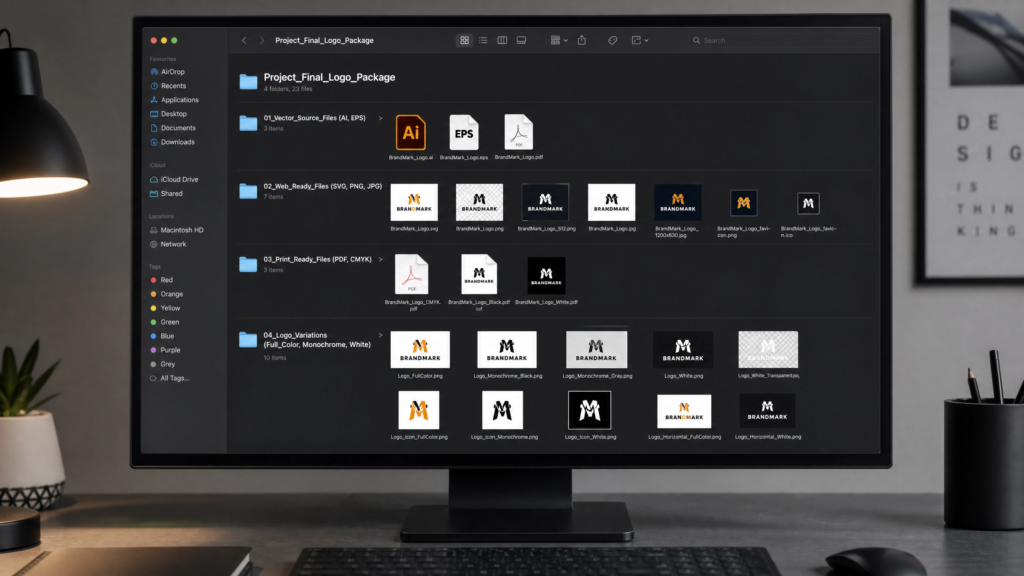
Unfortunately, some businesses only receive:
- JPG screenshots
- Canva exports
- low-resolution images
As a result, they struggle later when creating websites, signs, adverts, or packaging.
Common Mistakes Businesses Make With Logo File Formats
Using JPG Logos Everywhere
Many businesses upload JPG logos to websites because they don’t know better. However, blurry logos can instantly reduce trust.
Instead, websites should usually use SVG files wherever possible.
Forgetting to Ask for Vector Logo Files
Without vector logo files like SVG, EPS, or AI, future design work becomes much harder.
For example:
- large printing may fail
- logos may blur
- redesign costs may increase
Therefore, always ask for vector files during the design process.
Uploading Huge PNG Files to Websites
Large image files can slow websites down significantly. Consequently, poor image optimisation may affect both user experience and SEO.
According to Google Search Central, page experience remains an important part of modern SEO.
Businesses investing in SEO services should also optimise branding assets properly.
Losing Original Logo Files
Surprisingly, many businesses lose their original logo files after a few years.
Therefore, it’s smart to back up:
- AI files
- EPS files
- SVG files
- brand guidelines
Cloud storage platforms make this much easier.
If you’re building a business website from scratch, providers like 123 Reg can also help with domains and hosting.
Why Logo File Formats Matter for SEO and Websites
Most people never connect logo file formats with SEO. However, they absolutely matter.
Poor-quality branding assets can:
- slow websites down
- damage visual quality
- hurt mobile experience
- reduce trust
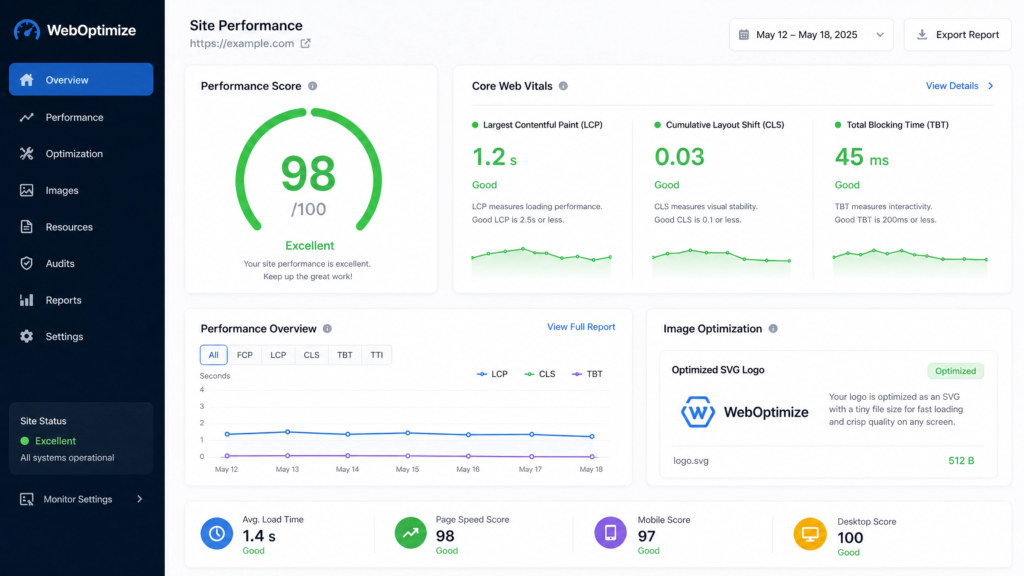
Modern websites should use:
- lightweight SVG logos
- compressed images
- responsive branding assets
As a result, websites often feel faster, cleaner, and more professional.
Additionally, developers can learn more about SVG optimisation from Mozilla Developer Network.
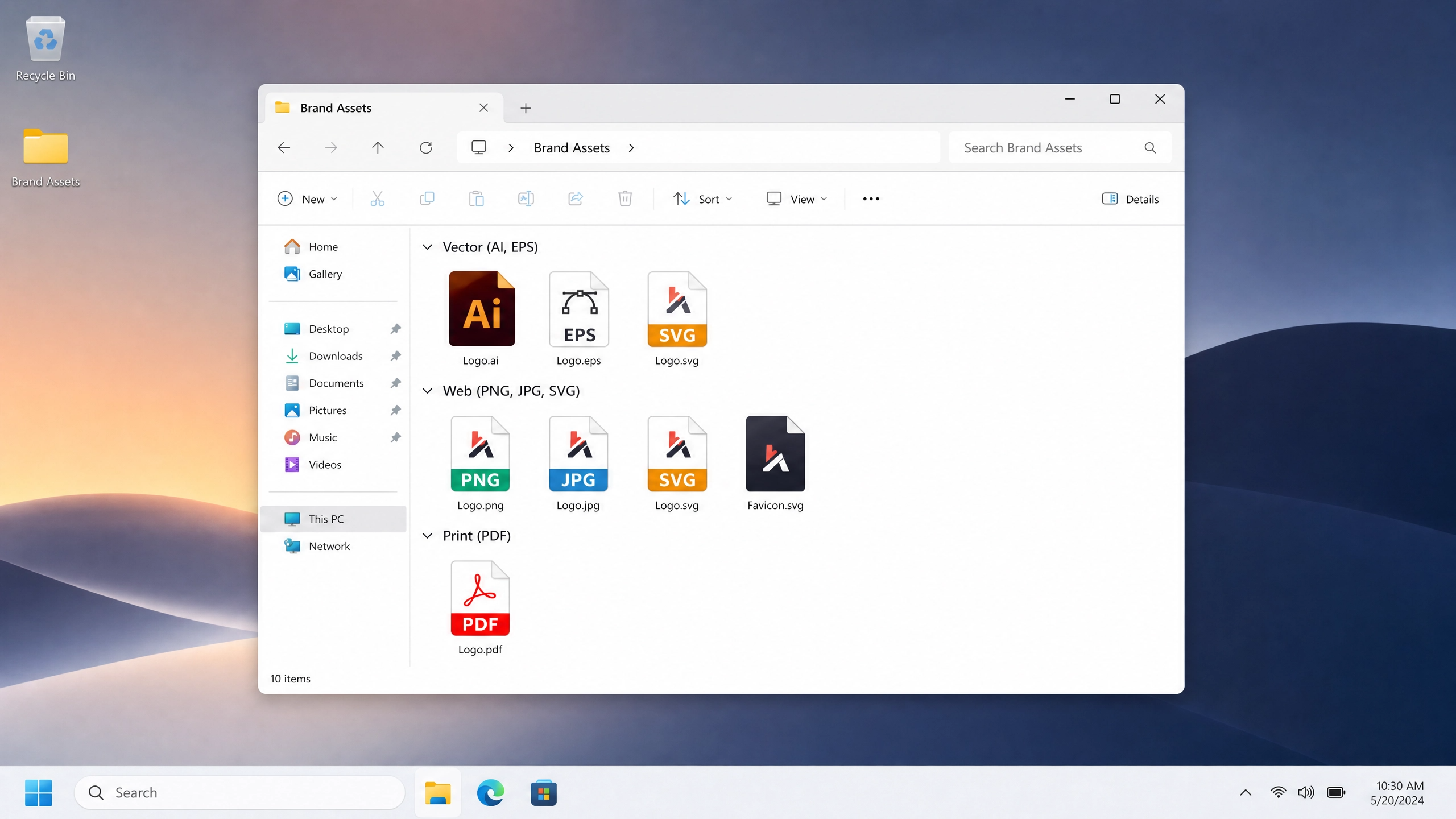
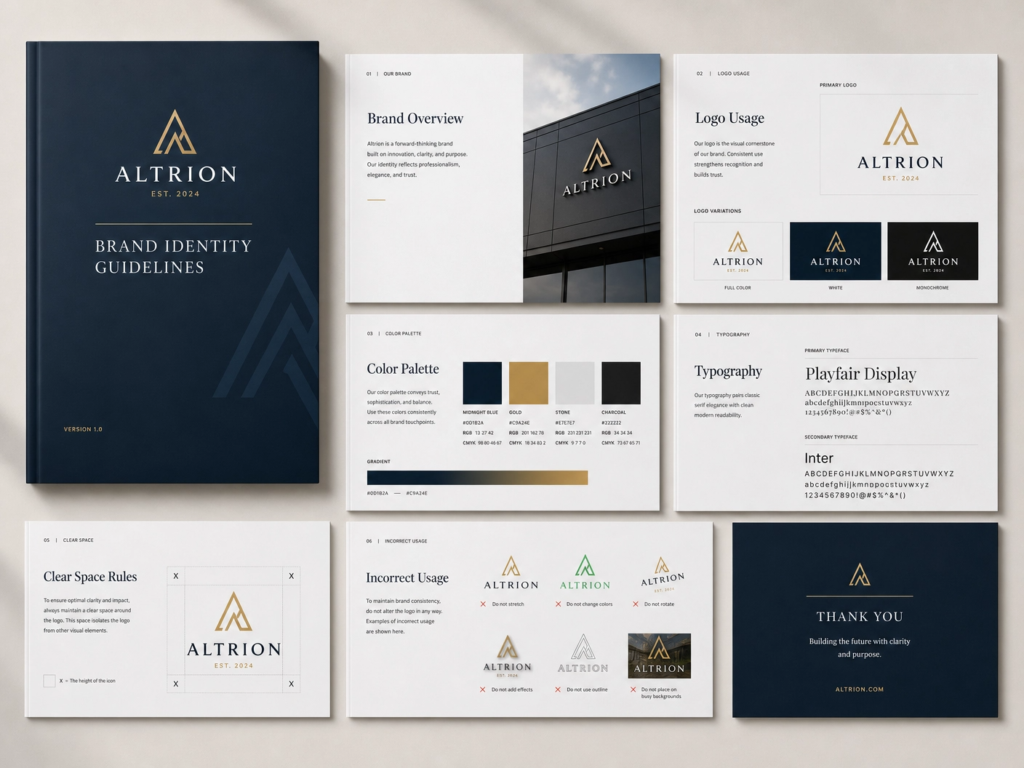
How Professional Branding Agencies Deliver Files
Professional agencies do far more than simply design a logo. Instead, they create complete branding systems that work across every platform.
That usually includes:
- organised folders
- logo variations
- naming conventions
- usage guidelines
- web-ready exports
- print-ready files
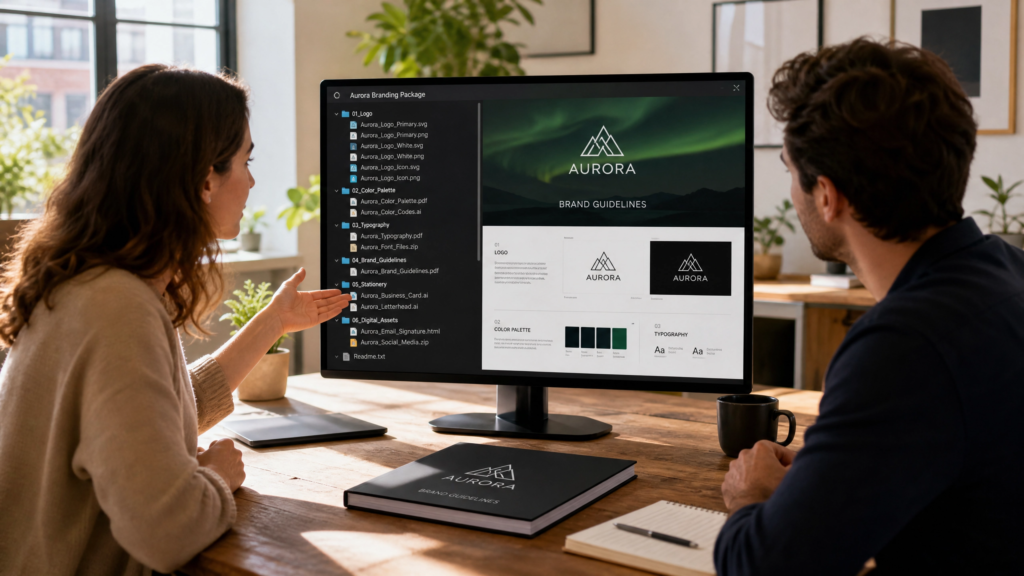
Strong branding should make your business easier to run, not more stressful.
Additionally, many businesses now combine branding with brand promo video services to create consistent visuals across websites and social media.
Bonus Tip: Create a Brand Asset Folder
One of the smartest things any business can do is build a dedicated brand asset folder.
Inside it, keep:
- logos
- fonts
- colour palettes
- social graphics
- brand guidelines
- photography
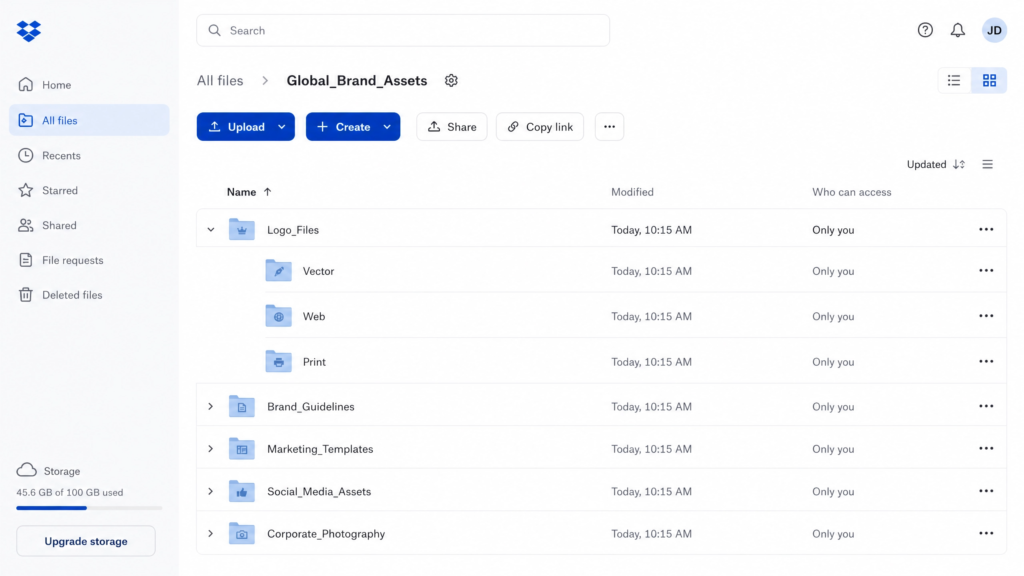
As a result, working with printers, developers, marketers, and designers becomes much easier.
Final Thoughts
The right logo formats can save your business a huge amount of stress.
Without proper files, even a beautiful logo can become difficult to use. On the other hand, well-organised branding assets make websites, printing, marketing, and future design work much easier.
At minimum, every business should have:
- SVG files
- PNG files
- EPS files
- AI files
- PDF files
If your designer only delivered a JPG logo, your branding package may be incomplete.
Full Video Breakdown:
FAQs About Logo File Formats
SVG is usually the best logo file format for websites because it scales perfectly without losing quality.
SVG files are vector-based and scalable. Meanwhile, PNG files are pixel-based raster images.
Most printers prefer EPS or vector PDF files for high-quality printing.
Yes. AI files are editable source files and are extremely useful for future branding updates.
A vector logo file uses mathematical paths instead of pixels, allowing it to scale infinitely without becoming blurry.